 Zeni
ZeniClear missions
Parents create small responsibilities and decide when approval is needed.
Turn everyday chores into little victories. With missions, stars, and family-chosen rewards, Zeni makes responsibilities easier to understand — and everyday routines feel lighter.
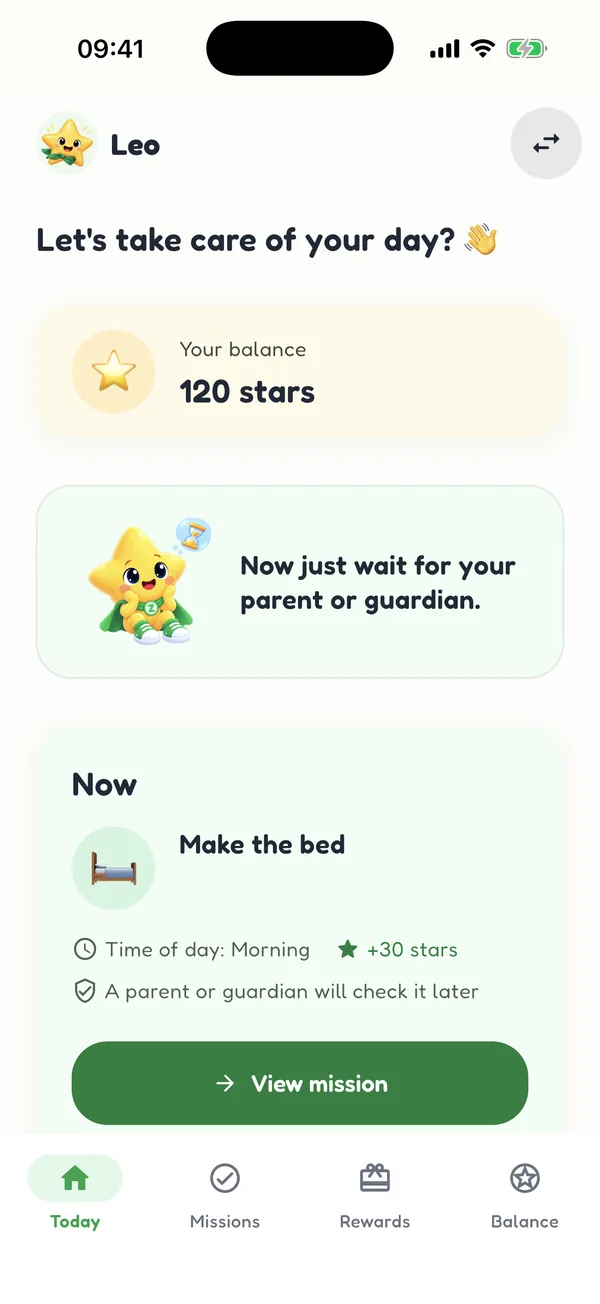 ★ Little wins every day
Parents create an account to set up their family. The free plan supports one child with feature limits. Children use a profile linked to their parent’s account and do not need their own account.
Instead of repeating the same reminder, help your child see what needs doing, notice their progress, and celebrate the effort they put in.
Parents create small responsibilities and decide when approval is needed.
Kids track their progress and see what they earn from completed missions.
Turn stars into experiences and rewards you define together.
Three easy steps to build a routine that feels lighter.
Create a parent account and add one child on the free plan.
Choose everyday responsibilities and how to recognize each completion.
Kids track stars and request rewards; parents approve when needed.
Core missions, rewards, and star tracking work locally on your device.
Parents sign up and can add one child with limited free features. Kids use a linked child profile.
A child-friendly view and a separate experience for adults.
Available protections for access to parent-only areas.
Text sizing and reading features support different needs.
Follow completed missions and changes to stars by profile.
Explore mission, reward, and stars screens. Official screenshots appear here once added to the site package.
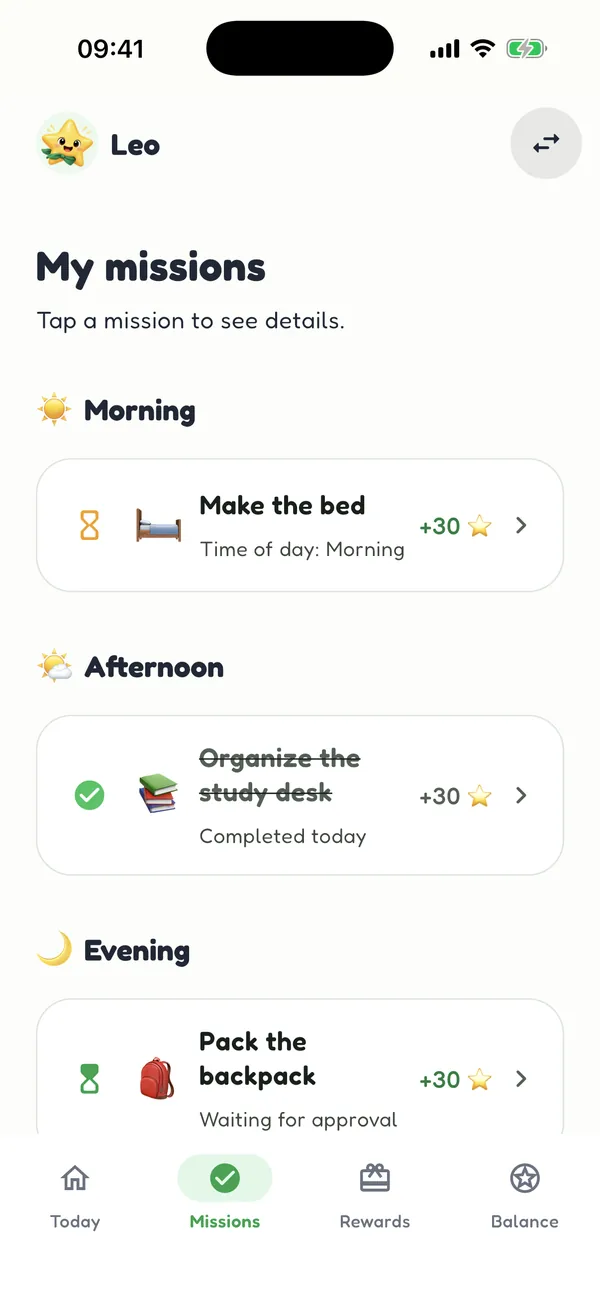
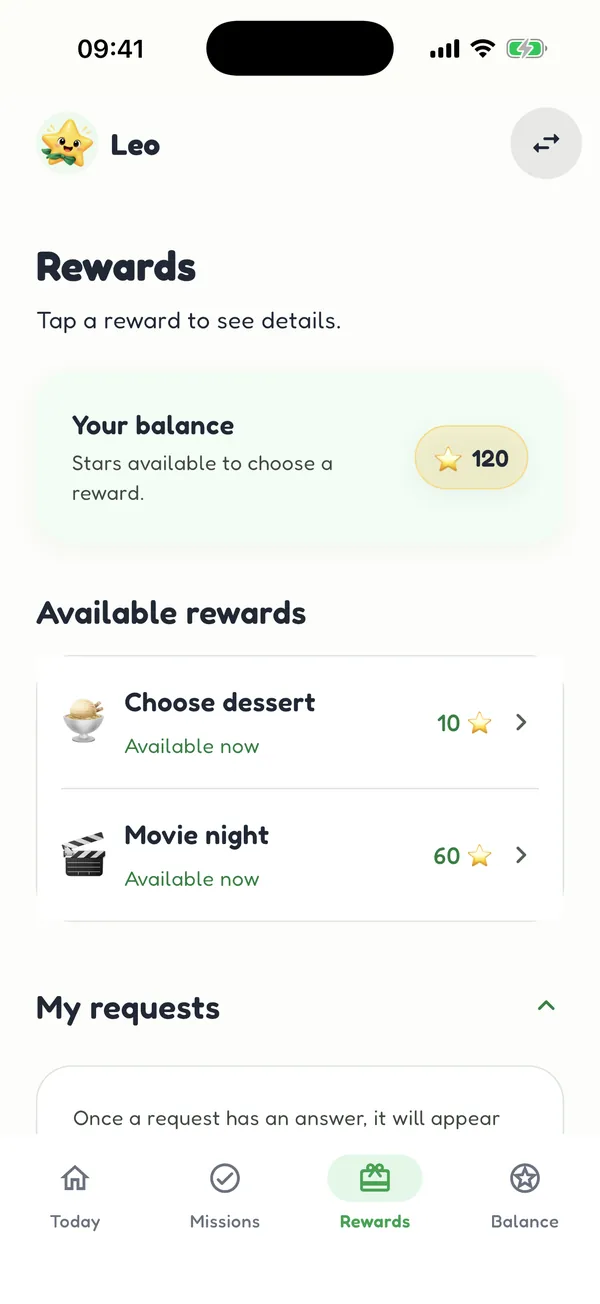
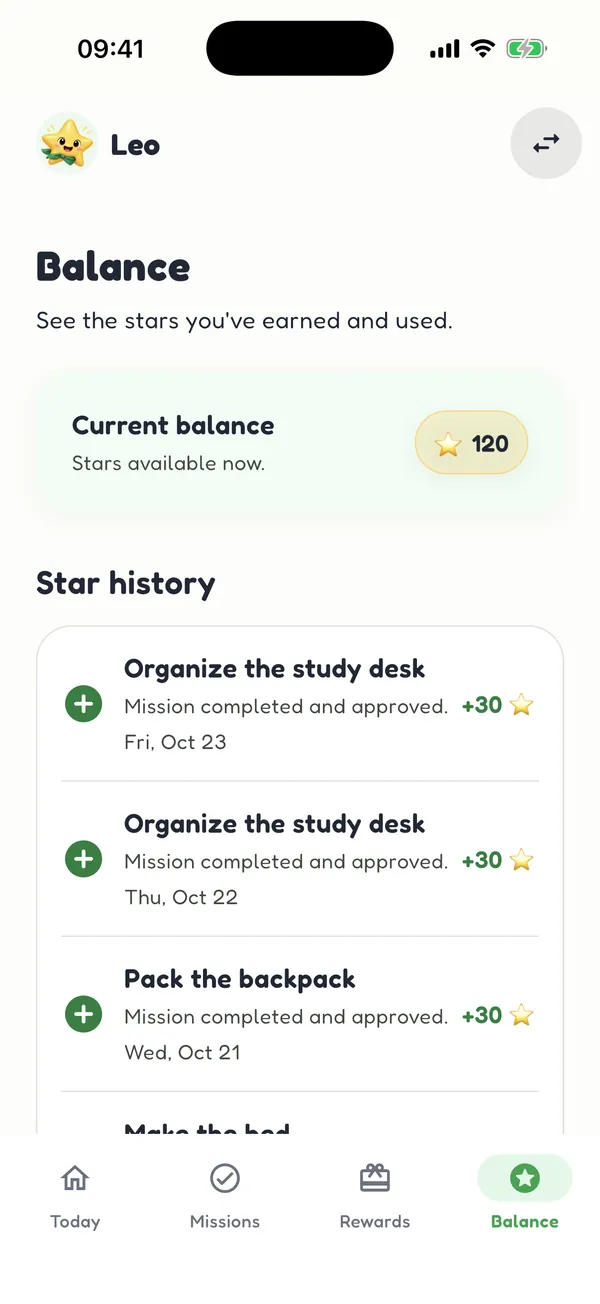
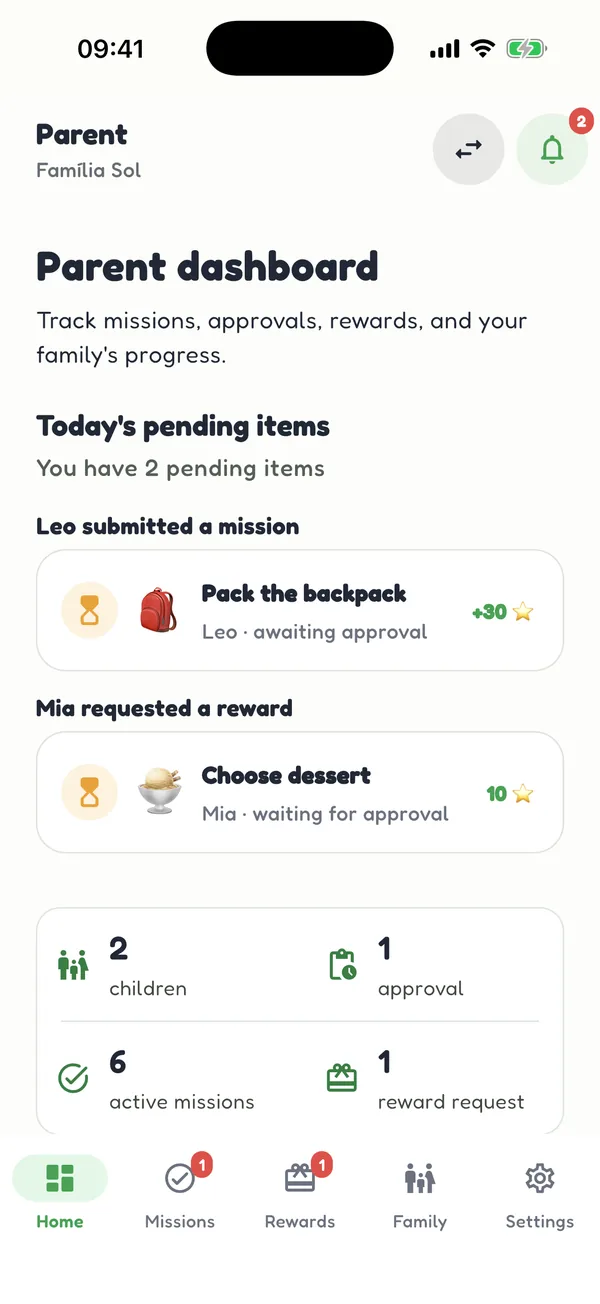
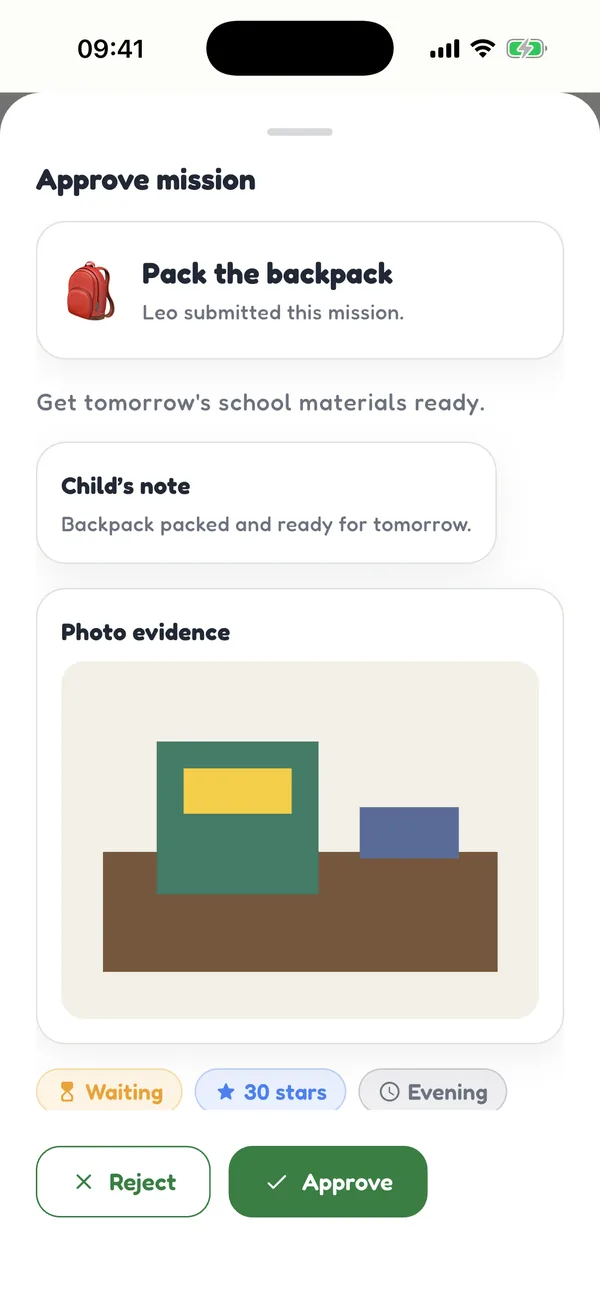
Start with one child on the limited free plan. Discover additional family features with Zeni Pro and subscribe securely inside the app.
Pricing, availability, and features can vary by region, platform, and app version. Review the in-app offer before subscribing.
Little habits. Big wins.
Practical ideas to build habits without turning every chore into a negotiation.
Simple ideas for age-appropriate responsibilities at home.
Read guide ↗How to use stars and family time to recognize everyday achievements.
Read guide ↗Create a manageable rhythm for mornings, school, and bedtime.
Read guide ↗Yes. Core missions, rewards, and stars work locally on your device. Creating the parent account, cloud sync, and restore require a connection. Core features continue to operate locally after setup.
Yes. A parent account is required to set up your family. Children use a profile linked to that account and do not need their own account.
Parents create missions and assign stars. Kids can complete missions, track their balance, and request family-chosen rewards. Stars are in-app points, not money.
Zeni separates kids and parent modes with available PIN and biometric protections for appropriate areas. Parents should configure and secure their devices.
Yes. The free plan supports one child with feature limits. Zeni Pro provides additional options, with localized subscription pricing shown in the app.
Zeni offers account-based sync and restore features, but does not promise real-time collaborative editing across devices. Review in-app account and data guidance.
Your family’s next win could begin with something simple.
Get started free ↗